
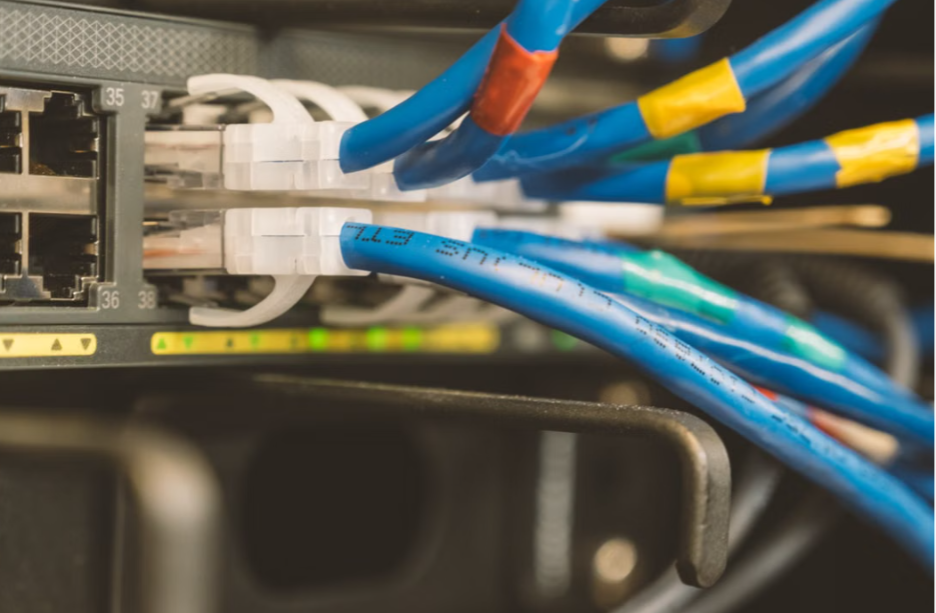
Throughout the working day, a business network needs to maintain a connection between employees, devices, applications, and services. Nevertheless, the increase in the number of endpoints may strain the network and complicate the ability to connect.
Slow data transfer, limited ports, and unstable connections may have an impact on daily operations. As more devices are added to the network, security gaps can also pose a risk.
These demands can be better handled through the right switching infrastructure. Campus switches offer a centralized method to connect network devices and accommodate various speeds, port numbers, security, and power needs. They can also help you build a network that can adapt as your business grows.
Here are five key reasons to consider.
Table of Contents
1. Support Reliable Device Connectivity Across Business Networks
Campus switches offer the connectivity required to connect computers, phones, access points, cameras, and other network devices. They serve as a key point of contact between endpoints and the greater business network.
This becomes more important as your number of connected devices increases. A switch with sufficient ports can be used to eliminate bottlenecks in connecting and also to minimize the number of unnecessary devices. Varied port configurations are also available between different models: 8-, 12-, 16-, 24-, and 48-port.
As a result, you can select a configuration that matches your current network size. Another thing you can do is design your switching infrastructure based on future connectivity requirements.
2. Improve Network Performance and Traffic Management
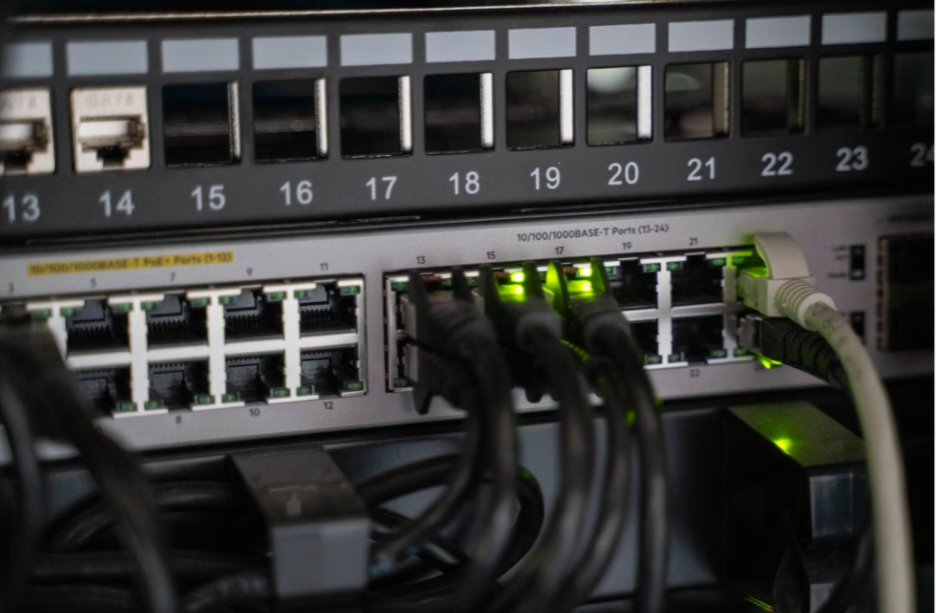
Business applications need steady network performance to work well. Employees may use cloud platforms, transfer files, join calls, or access shared resources at the same time. Heavy traffic can affect network performance when switching capacity is limited.
Campus switches can help manage traffic between connected devices. L2 and L3 switching options can support different network designs. You can select the option that fits your network structure and management needs.
Uplink speed also plays an important role. Higher-speed uplinks, such as 10GbE, can connect access switches to other parts of the network. This helps move data between network segments more efficiently.
Choosing suitable switching capacity can help your network handle daily traffic. It can also support smoother access to business applications and shared resources.
3. Power Connected Devices with PoE Support
Many business devices need both power and network access. Wireless access points, IP phones, and security cameras are common examples. Using separate cables for each need can make installation more complex.
Power over Ethernet (PoE) offers a simpler approach. A compatible switch can carry power and data through the same Ethernet cable. This can reduce extra cabling and make device installation easier. It can also help you place devices where they are needed without adding separate power connections.
PoE+ can provide more power for supported devices. This can be useful when your network includes several powered endpoints. However, you should check the power needs of each device before selecting a switch.
By considering PoE capacity early, you can create a cleaner setup. You can also make future device additions easier to manage.
4. Strengthen Network Security and Access Control
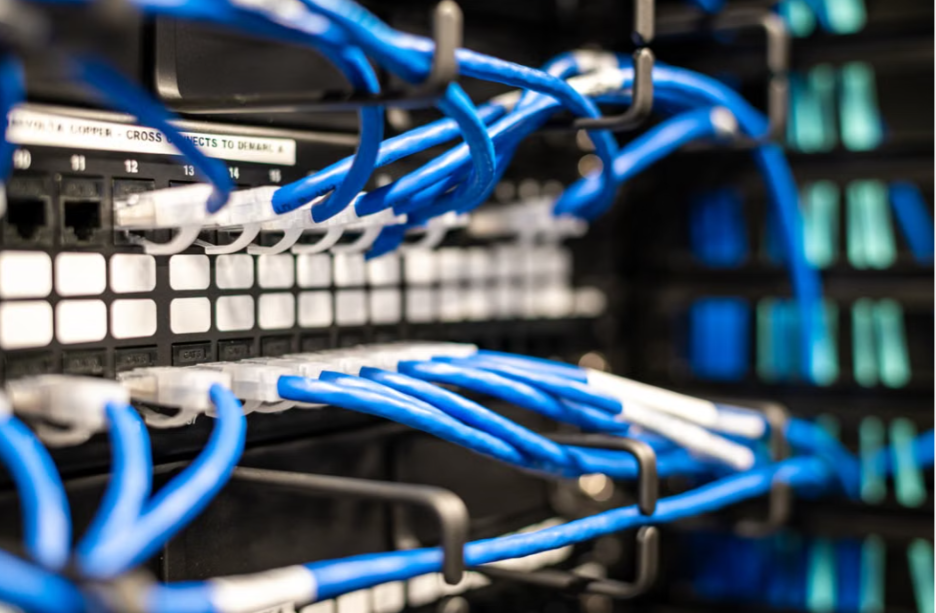
Network connectivity also needs strong security controls. A business network may connect employee devices, applications, phones, cameras, and other equipment. Each connection can create a potential access point. Therefore, controlling network access is important for reducing security risks.
Managed campus switches can give network administrators greater control over connected devices. They can support authentication and authorization features. These controls can help businesses manage which devices can access network resources. They can also support better control over who connects to the network.
Some advanced switch models also support MACsec. This security feature can help protect data as it moves across Ethernet connections. It adds another layer of protection for network traffic.
Security needs can vary by organization. Consider your connected devices, network structure, and data requirements when selecting a switch. The right features can help you build a more controlled and secure network.
5. Scale Network Infrastructure as Business Needs Grow
Your network needs can change as your business grows. More employees may join the organization over time. You may also add computers, phones, access points, cameras, or other connected devices. As these connections increase, your network may need more capacity.
Campus switches can help you prepare for these changes. They are available with different port counts and performance levels. This allows you to choose a switch that fits your current setup. You can also consider higher-capacity options when planning for future expansion.
It is important to check more than the number of ports. Look at uplink speeds and PoE capacity as well. These features can affect how easily you add new devices later.
By planning ahead, you can reduce the need for frequent hardware changes. This can make network expansion simpler and help your infrastructure support changing business needs.
Conclusion
Campus switches play an important role in keeping business networks connected, manageable, and adaptable. They provide the ports and switching capabilities needed to connect different endpoints while supporting network performance and traffic flow.
PoE can simplify the deployment of devices such as access points, phones, and cameras. Security features can also help control network access and protect data. At the same time, different port configurations, uplink options, and power capabilities allow you to plan around current and future requirements.
By evaluating these factors carefully, you can build a switching infrastructure that supports reliable connectivity and long-term business needs.