
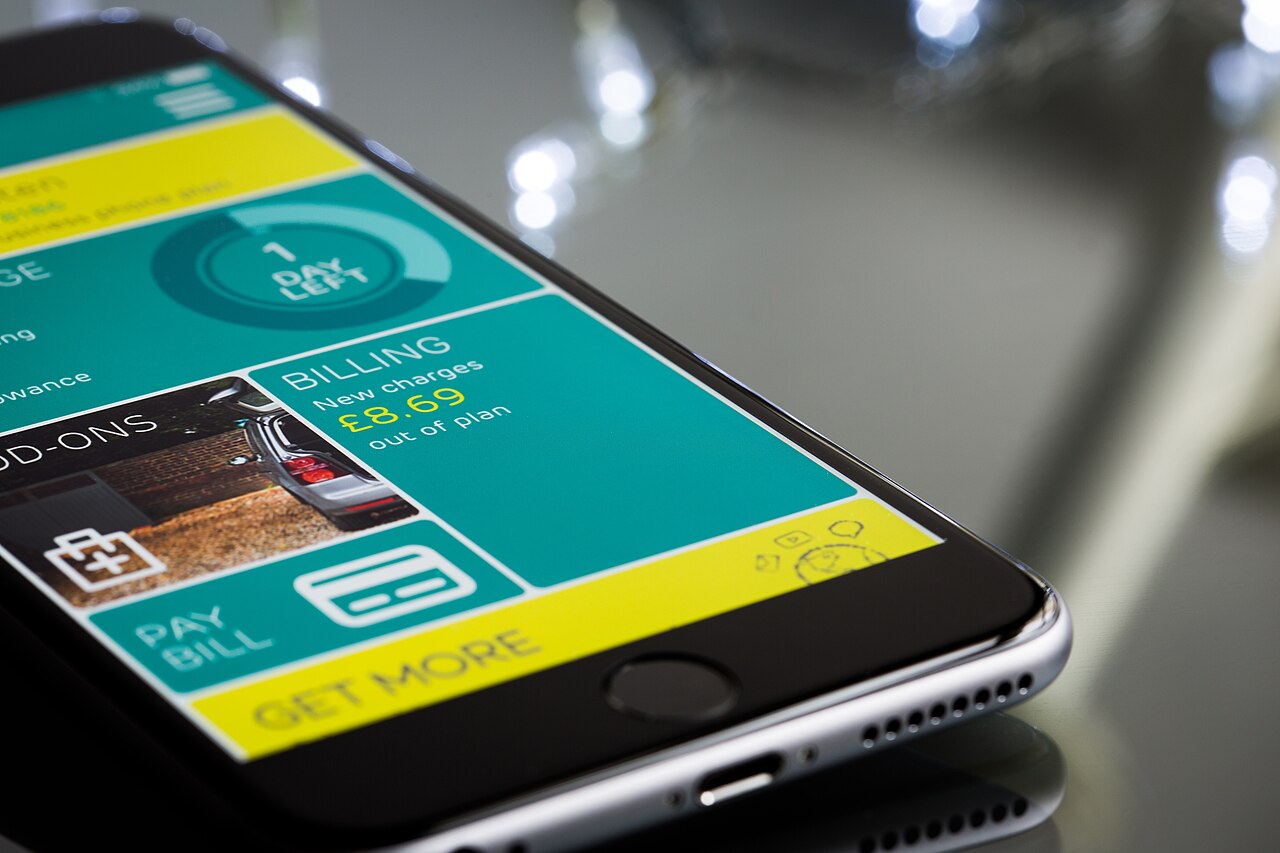
Most people log into their banking app four to six times a week. They check a balance, move twenty dollars, snap a check, then close it. That is the whole relationship. And yet the big banks keep selling you a spaceship dashboard you never asked for. If your phone is your branch, the local option deserves a serious look, and that includes online banking in Rome, Georgia by Coosa Valley Credit Union, where the app is built around quick everyday tasks instead of splashy features.
Here is my honest read after years of bouncing between national banks and small institutions: the app you open most often should be judged on friction, not features. The big bank wins the screenshots. The local credit union wins the Tuesday morning check deposit while you are standing in a parking lot.
Table of Contents
What does your banking app actually need to do?
Write down the last five things you did in your banking app. Odds are they were: check a balance, deposit a check, move money between accounts, pay a bill, and find a free ATM. That is it. Anything beyond that list is decoration.
National banking apps are engineered for breadth because they serve millions of customers with wildly different needs. That means menus inside menus, product pitches on the home screen, and a transfer flow that asks you to confirm the same account twice. Local apps tend to be narrower, and narrower is often faster when your daily list is short.
I would pick a plain app with one-tap transfers over a feature-packed app that hides the transfer button under three taps. You probably should too. Your time on that screen is measured in seconds, and seconds add up over a year.
The quiet advantage of a small service team
Apps break. Cards get declined at the worst moment. A check deposit sits in limbo. What matters then is who picks up the phone, and this is where the local model pulls ahead in a way no feature comparison captures.
When you call a local credit union, you are often talking to a person at the branch down the road who can see your account and fix the problem in the same call. When you call a national bank hotline, you get a script, a queue, and sometimes a promise that someone will follow up. According to the Consumer Financial Protection Bureau, consumer complaints about bank account management and deposits remain a steady share of the issues people report, which tells you the human support layer is not a small detail.
The practical version: save your local branch’s direct number in your phone contacts next to the app. I keep mine labeled with the branch name so I never fumble for it in a checkout line.
Four everyday jobs, scored honestly
Forget the marketing pages. Score your current app on these four jobs using a simple one to five scale, then run the same test on a local app before you commit. This is the checklist I use.
| Everyday job | What good looks like | What to watch for |
|---|---|---|
| Checking a balance | Visible on the first screen after login, no scrolling | Product ads pushing cards or loans above your balance |
| Depositing a check | Camera opens, captures both sides, confirms in under a minute | Hold policies that lock funds for days with no warning |
| Moving money | Internal transfers complete instantly and appear in both accounts | Extra confirmation steps that reset if you background the app |
| Reaching a human | A phone number in the app that rings a local branch | Chat bots that loop you back to a menu |
Run this against your big bank app tonight. Be brutal. Most people score their deposit experience lower than they expected, because mobile check deposits are where the big platforms get sloppy with hold times.
Where the big banks still win, and why it may not matter
National banks invest heavily in their digital products, and you can feel it. Their apps handle complex situations well: multiple business accounts, international card controls, detailed spending categories, integrations with budgeting tools you already use.
If you run a business with payroll and multiple cards, or you travel abroad every month, that depth earns its place. Federal deposit insurance applies across the board, as the National Credit Union Administration explains for credit union members, so the safety question is settled either way. What is left is convenience, and convenience is personal.
My stance: keep the big bank account if you genuinely use those advanced tools weekly. Move your daily spending and paycheck deposit to the local app. Splitting the two costs you nothing and gives you the best of both, and it is what I would do in your position.
The parking lot test
Here is a scenario that will tell you everything. You are in a store parking lot. You owe a friend forty dollars for dinner. You need to deposit a birthday check from your aunt and confirm your rent payment cleared, all in the next three minutes.
Open both apps and time yourself. The one that gets you from login to done without a single mis-tap is the app you should be using as your primary account. I have run this test on four banking apps over the years, and the small institution app won three times. It lost once, badly, on a deposit hold that took five days.
That is your whole decision framework. Speed on the boring jobs, plus a real human when things go sideways.
Set it up in one evening
Switching your primary app does not require closing anything. Do this in order and you will be done before the coffee goes cold.
- Download the local app and log in to confirm your accounts appear correctly.
- Set up mobile check deposit and run one small test check through it.
- Move your direct deposit to the local account, or split it if you want a safety cushion at the old bank.
- Add the branch phone number to your contacts.
- Turn on balance alerts, then silence the promotional notifications.
Give it thirty days. If your daily friction dropped, keep it. If not, you lost an evening and learned something about your own habits.
Frequently asked, briefly
Is a credit union app less secure than a big bank app?
No. Both use the same encryption and login standards, and credit unions face the same federal oversight as banks. Security depends on the institution’s practices, not its size.
Can I still use ATMs if I switch?
Yes, and many credit unions share a free ATM network that is broader than you would expect. Check the network map before you move your paycheck.
What if I need a branch in another state?
This is the honest limitation. If you move often or travel for work, a national bank may serve you better for in-person needs. Your app usage and your branch usage are two different questions, so answer them separately.
For more on a related topic, read Organising an SBA Loan Application Without Losing Track of the Details.
The app on your home screen is the branch you visit most. Treat the choice with the same care you would give a physical location, and test it the boring way, with a stopwatch and a small check deposit. Then tell me which one won your parking lot test.
