
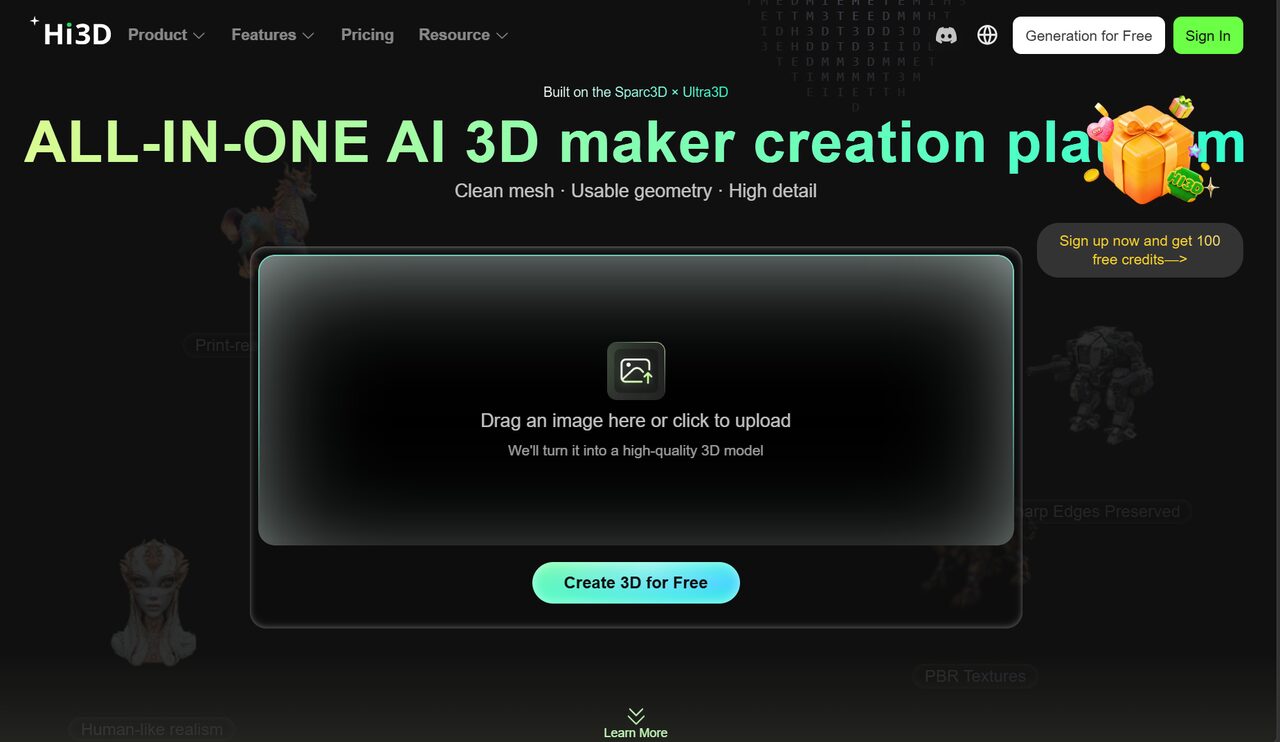
3D printing is becoming part of everyday creative work, from personalized figures and small collectibles to prototypes, educational models, and product concepts. At the same time, AI is making the first step of 3D creation much easier. Instead of starting with professional modeling software, users can now begin with an image, an idea, or a simple visual reference.
This is where Hi3D comes in. As an AI 3D creation platform, Hi3D focuses on reducing the distance between an idea and a usable 3D asset. Its tools cover important stages of the process, including image-to-3D generation and AI texturing. With the release of Hi3D V3.0, the platform is now moving beyond simply generating 3D models toward creating assets that are more suitable for real production and downstream use.
Table of Contents
- 1. Why AI 3D Creation Is Becoming More Practical
- 1.1 For Users Starting with 2D Images
- 2. Turning a 2D Concept into a 3D Model
- 3. AI Texturing Brings More Detail to 3D Models
- 4. Hi3D V3.0: From Better Generation to Real Production
- 5. From V1.0 to V3.0: A Clearer Direction for Hi3D
- 6. Where Hi3D V3.0 Fits into Real-World 3D Creation
- 7. Try Hi3D V3.0 Free for 48 Hours
1. Why AI 3D Creation Is Becoming More Practical
The biggest change in AI 3D creation is not simply that models can be generated faster. The more important change is that people who do not have years of 3D modeling experience can start working with 3D content more easily.
For many users, however, generating a model is only the beginning. A model still needs enough structural detail, usable textures, and, in many cases, further preparation before it can become a physical print or a finished digital asset. Hi3D is designed around these practical problems rather than focusing only on the initial generation step.
1.1 For Users Starting with 2D Images
A common starting point for creators is a picture they already have. It could be a character illustration, a product reference, a concept image, or another visual idea. Traditionally, turning such a reference into a 3D model requires manual modeling skills and considerable time.
Hi3D's image-to-3D capability makes the starting point much more accessible. Users can take a 2D visual concept and turn it into a 3D model without having to build the entire object from scratch. For creators who are looking for a 3D model maker or a 3D model maker online, this provides a much simpler way to move from visual inspiration toward a usable 3D asset.
1.2 For Creators Who Need More Than Geometry
A 3D model can have the right shape and still look unfinished. Surface appearance, colors, patterns, and small visual details can make a major difference, especially for characters, collectibles, product concepts, and display models.
This is where AI texturing becomes useful. Instead of treating geometry and appearance as completely separate tasks, Hi3D allows creators to work with AI-generated textures as part of the broader 3D creation process. Its AI 3D model texture generator helps turn generated geometry into a more visually complete asset, giving creators a faster way to explore detailed surface appearances without manually painting every area.
2. Turning a 2D Concept into a 3D Model
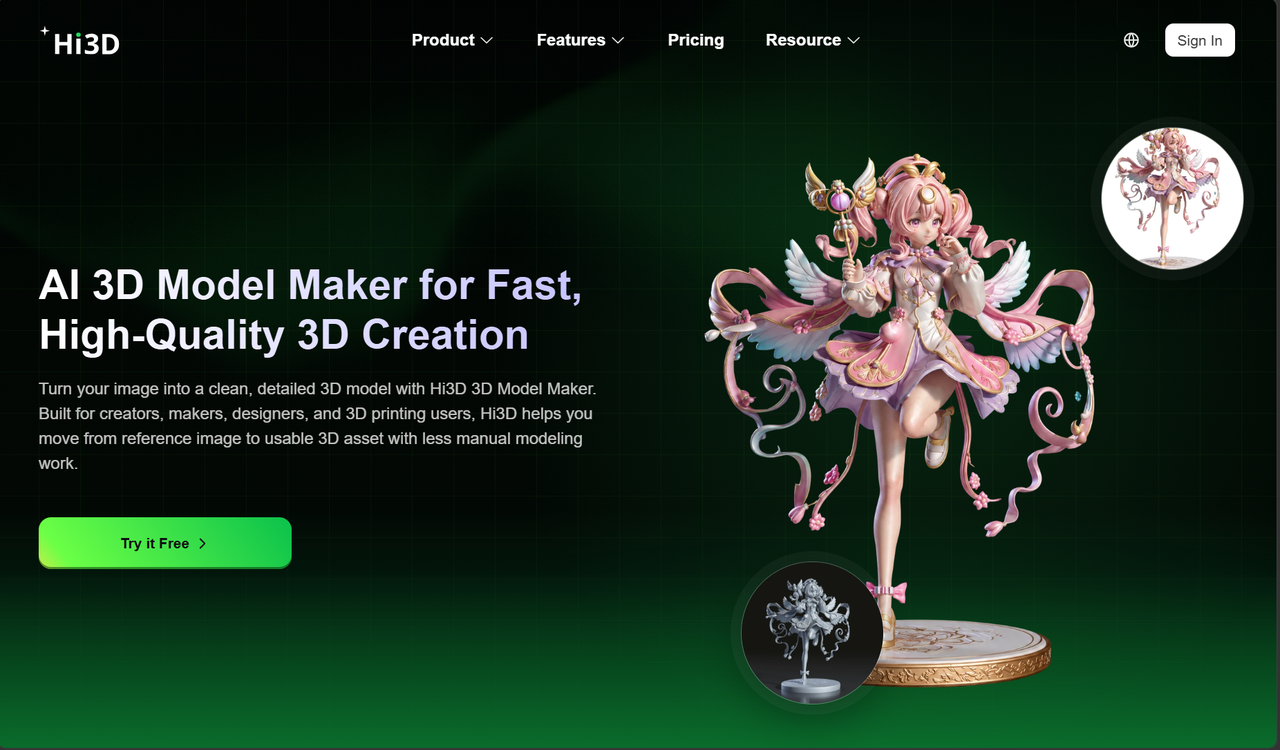
For many beginners, the hardest part of 3D printing is not the printer itself. It is getting a suitable 3D model in the first place. Professional modeling software can be powerful, but it also creates a learning barrier for people who simply want to turn an idea into something physical.
Hi3D's image-to-3D workflow addresses this first barrier by allowing the image to become the starting point.
2.1 From Reference Image to 3D Asset
Instead of opening a modeling program and constructing the object piece by piece, users can begin from a visual reference. This is especially useful when the original idea exists primarily as an image rather than a ready-made 3D design.
For hobbyists, this can make experimentation much easier. A character that previously existed only as an illustration can become a 3D model. A visual concept can be explored from another dimension. For creators working toward 3D printing, this also provides a starting asset that can be further prepared for physical production.
The important point is that image-to-3D generation does not have to replace creative decisions. It reduces the amount of manual modeling required before those decisions can happen.
2.2 Making AI-Generated Models More Useful
The quality of an AI-generated model matters most when it continues to be useful after generation. A model may look convincing in a preview, but creators eventually need to consider its geometry, surface appearance, size, printing requirements, and downstream workflow.
Hi3D V3.0 is designed with this broader problem in mind. According to the release information, the new version focuses on reducing the amount of manual repair required before AI-generated assets enter real production workflows. The goal is a shift from models that are simply usable on screen toward assets that are more suitable for delivery and further processing.
3. AI Texturing Brings More Detail to 3D Models
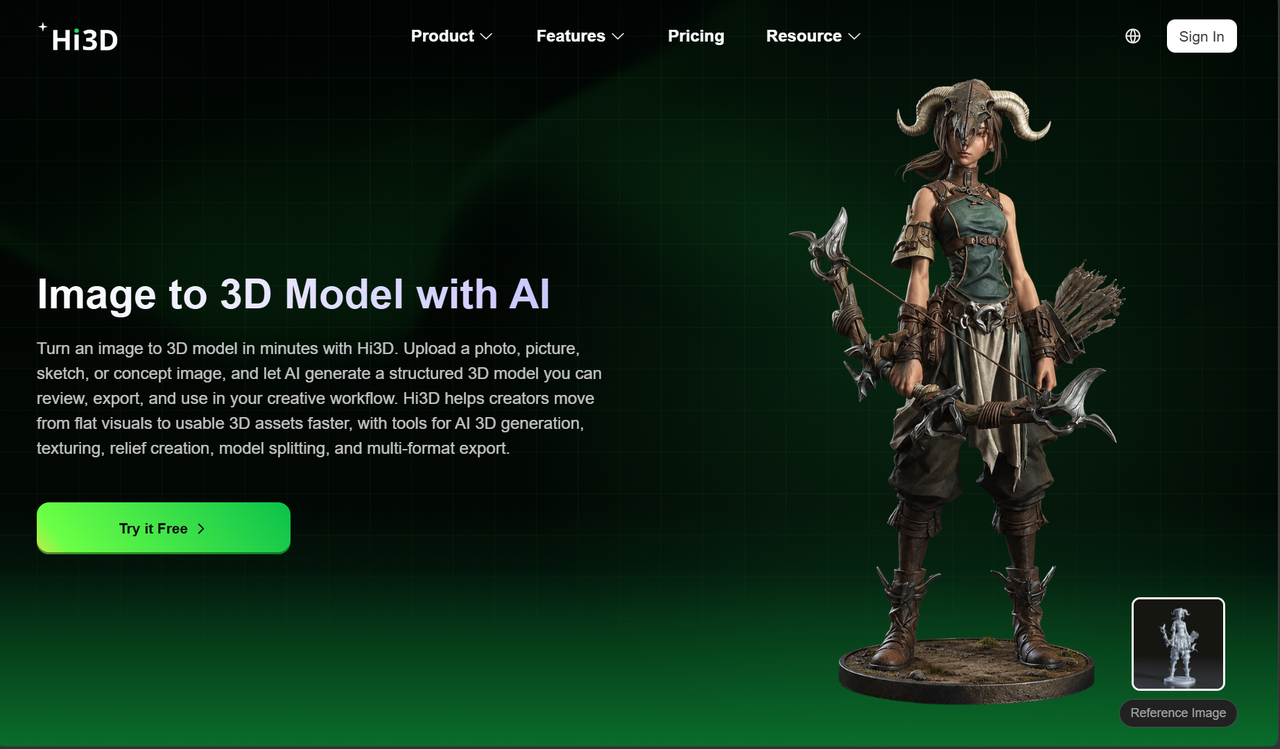
Geometry is only one part of a convincing 3D asset. For many creators, the next challenge is giving the model a surface that communicates the original visual idea.
AI texture generation can reduce the amount of manual work involved in this stage, especially when the creator wants to explore detailed patterns, colors, or visual styles quickly.
3.1 Creating More Complete Surface Details
Texturing becomes particularly important for characters, collectibles, product mockups, and other assets where appearance is part of the design itself. Instead of spending large amounts of time manually creating every surface detail, creators can use AI to generate textures that complement the model.
This also becomes more important when an asset moves between digital creation and physical production. A model intended for display or printing needs its visual details to survive the transition from the screen to the final object.
Hi3D's texture workflow is therefore closely connected to its larger goal: making AI-generated 3D content more useful beyond the generation window.
3.2 From Texture Generation to High-Resolution Output
Hi3D V3.0 takes this part of the workflow further. The new version increases texture output to up to 8K and upgrades Hi3D's proprietary UV completion algorithm. According to the release material, the update improves pattern-edge clarity, color-transition continuity, and the readability of fine patterns when viewed at larger sizes.
This is an important upgrade because texture quality becomes increasingly noticeable when a model is enlarged, displayed closely, or used in workflows where surface detail matters. Instead of treating texturing as a secondary visual layer, V3.0 gives it a more substantial role in the quality of the final asset.
4. Hi3D V3.0: From Better Generation to Real Production
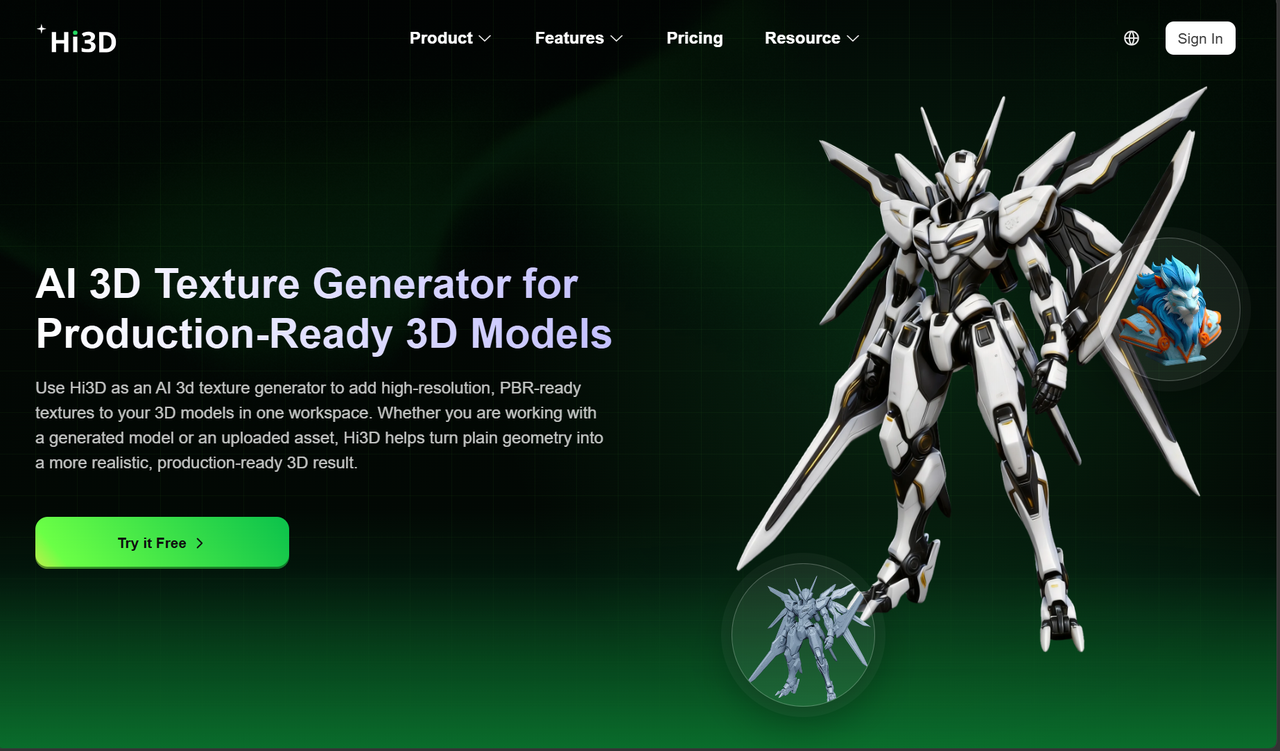
The most important story behind Hi3D right now is not simply another model-generation update. Hi3D V3.0 is positioned as a major step toward making AI-generated 3D assets more practical for real creative and production workflows.
The new version was officially released as Hi3D's next-generation self-developed general-purpose model. Its geometry reconstruction resolution has been increased to 2048³ voxels, while texture output has been raised to 8K. The release also highlights improvements in cross-view structural reasoning and Hi3D's proprietary UV completion technology.
4.1 2048³ Geometry: Preserving Details That Matter
One of the most significant upgrades in V3.0 is the move from 1536³ to 2048³ voxel-level geometry reconstruction.
Higher geometric resolution matters because small structures are often the first details to disappear when reconstruction is limited by resolution. The release notes specifically highlight details such as layered feathers and scales, the edges of text and logos, mechanical seams, shallow engravings, small surface changes, thin walls, and suspended structures. These details can now be represented more precisely than before.
This is especially relevant for creators who need more than a general approximation. A character's small features, a product's surface structure, or a mechanical object's fine connections can affect whether the final model feels complete.
The significance of 2048³ is therefore not simply a larger number. It represents Hi3D's attempt to preserve more of the information contained in the original visual reference during the transition from 2D or visual input to 3D geometry.
4.2 More Stable Structures Across Different Views
Single-image 3D generation has a natural limitation: the input image only shows part of an object. The model has to infer what exists behind the visible surface, how different parts connect, and how the object should look from other angles.
Hi3D V3.0 specifically improves structural reasoning across different views. The release highlights better handling of side and rear views, contact areas, occluded regions, and complex spatial relationships. The improvement is particularly noticeable in objects with significant self-occlusion and scenes where multiple objects interact.
For creators, this matters because a model should not only look convincing from the original reference angle. A 3D asset needs to make sense when rotated, edited, displayed, or prepared for physical production.
4.3 8K Textures and Improved UV Completion
Geometry is only half of the V3.0 upgrade. The texture pipeline has also been improved, with output reaching up to 8K.
Hi3D's upgraded UV completion algorithm is designed to improve the continuity and clarity of generated surface details. The release specifically points to cleaner pattern edges, smoother color transitions, and better visibility of fine patterns after enlargement.
Together, the higher geometric resolution and higher texture resolution address two different sources of quality loss. Geometry preserves the shape and structure, while texture preserves the visual information applied to the surface.
5. From V1.0 to V3.0: A Clearer Direction for Hi3D
Hi3D V3.0 did not appear in isolation. The platform's development shows a clear progression from improving generation quality toward making AI-generated assets more practical for downstream production.
V1.0: Bringing 1536³ to Commercial AI 3D
Hi3D V1.0 was positioned as the industry's first commercial image-to-3D model to bring 1536³ voxel resolution into a commercialized AI 3D workflow. The focus was on improving the reconstruction of fine structures and pushing the quality of image-to-3D generation forward.
5.1 V2.0: Connecting Geometry and Texture
V2.0 expanded the scope by integrating geometry and texture generation, improving the completion of occluded structures, and introducing relighting removal. The aim was to connect more stages of preprocessing and post-processing within one workflow.
5.2 V3.0: Focusing on Deliverability
V3.0 takes another step by focusing more directly on geometric accuracy, complex structures, and texture quality. At the same time, Hi3D has introduced practical functions including model splitting, multi-color printing, and build-plate arrangement.
This is an important change in direction. The platform is no longer focused only on asking, “Can AI generate a 3D model?” It is increasingly addressing the next question: “Can this model move into an actual creative or manufacturing workflow with less manual repair?”
The release describes this as a shift from “model usable” to “production deliverable,” with the broader goal of reducing the manual work required before an AI-generated asset enters a real workflow.
6. Where Hi3D V3.0 Fits into Real-World 3D Creation
The value of a general-purpose AI 3D model becomes clearer when looking beyond one type of user. Different industries may use 3D assets in very different ways, but they share several basic requirements: reliable geometry, reasonable structures, clear textures, and assets that can continue through later stages of production.
6.1 From Digital Content to 3D Printing
For 3D printing users, the distance between a generated model and a physical object can involve many small problems. A model may need to be divided into printable pieces, colors need to correspond to actual materials, and parts may need to be arranged before slicing.
Hi3D's new feature set addresses these downstream requirements. Its multi-color printing workflow can convert textured 3D models into printable multi-color objects, map colors to real filament palettes, reduce unnecessary color breaks, and export 3MF files for printer workflows.
The split-for-printing feature also targets a practical problem for larger or more complicated models. Character models can be divided into printable parts, with connectors generated automatically for assembly. Users can work with fixed connectors for display figures or ball joints for articulated models.
These additions show why V3.0 is more than a pure model-generation update. Hi3D is building around the steps that happen after generation.
6.2 Beyond 3D Printing
The V3.0 release also positions Hi3D as a general-purpose AI 3D model platform rather than a tool limited to one industry. The stated application areas include 3D printing, games and film, digital art, jewelry design, collectibles and cultural creativity, cultural tourism and museums, education and display, e-commerce content, and industrial design.
These fields have different production requirements, but they share the need for usable 3D assets. A more complete model can be edited, displayed, printed, or continued into another stage of production with less manual intervention.
That is ultimately where Hi3D V3.0 makes its strongest case. AI 3D creation is becoming less about generating an impressive preview and more about creating something people can actually continue working with.
7. Try Hi3D V3.0 Free for 48 Hours
For anyone who has been curious about AI 3D creation but has not yet found a practical reason to start, the release of V3.0 provides a good opportunity to test the workflow directly.
Hi3D will open a 48-hour limited free experience of Hi3D V3.0 from August 19, 2026, at 00:00 to August 20, 2026, at 24:00 Beijing Time. During the event, users can use the V3.0 model without a limit on the number of generations.
7.1 A Chance to Test the Full Creative Workflow
The most useful way to evaluate an AI 3D platform is not simply to generate one model and look at the preview. Try starting with a real image, examine the generated geometry from different angles, explore its texture quality, and consider how the result could continue toward printing or another production use.
With V3.0, users can experience the improvements in geometric detail, structural stability, and texture output while also exploring the practical tools that sit around the model-generation process.
7.2 Start Creating with Hi3D V3.0
The development from V1.0 to V3.0 shows a clear direction: better reconstruction, stronger structural reasoning, higher-quality textures, and more support for what happens after the model is generated.
AI 3D creation is becoming increasingly useful when it can connect an idea on a screen with something people can actually edit, display, print, or produce. Hi3D V3.0 is built around that transition.
The 48-hour free experience gives creators, makers, designers, and anyone curious about AI 3D a chance to test the latest version without limiting the number of generations during the event.
If you have an image that has always felt like it should become a 3D object, this may be a good time to try it.
Visit Hi3D and experience V3.0 for 48 hours for free, with unlimited generations during the event.